Lossless trims
Cuts are stream copies: no re-encoding and no quality loss, usually done in about a second.
Free for Windows 10 and 11
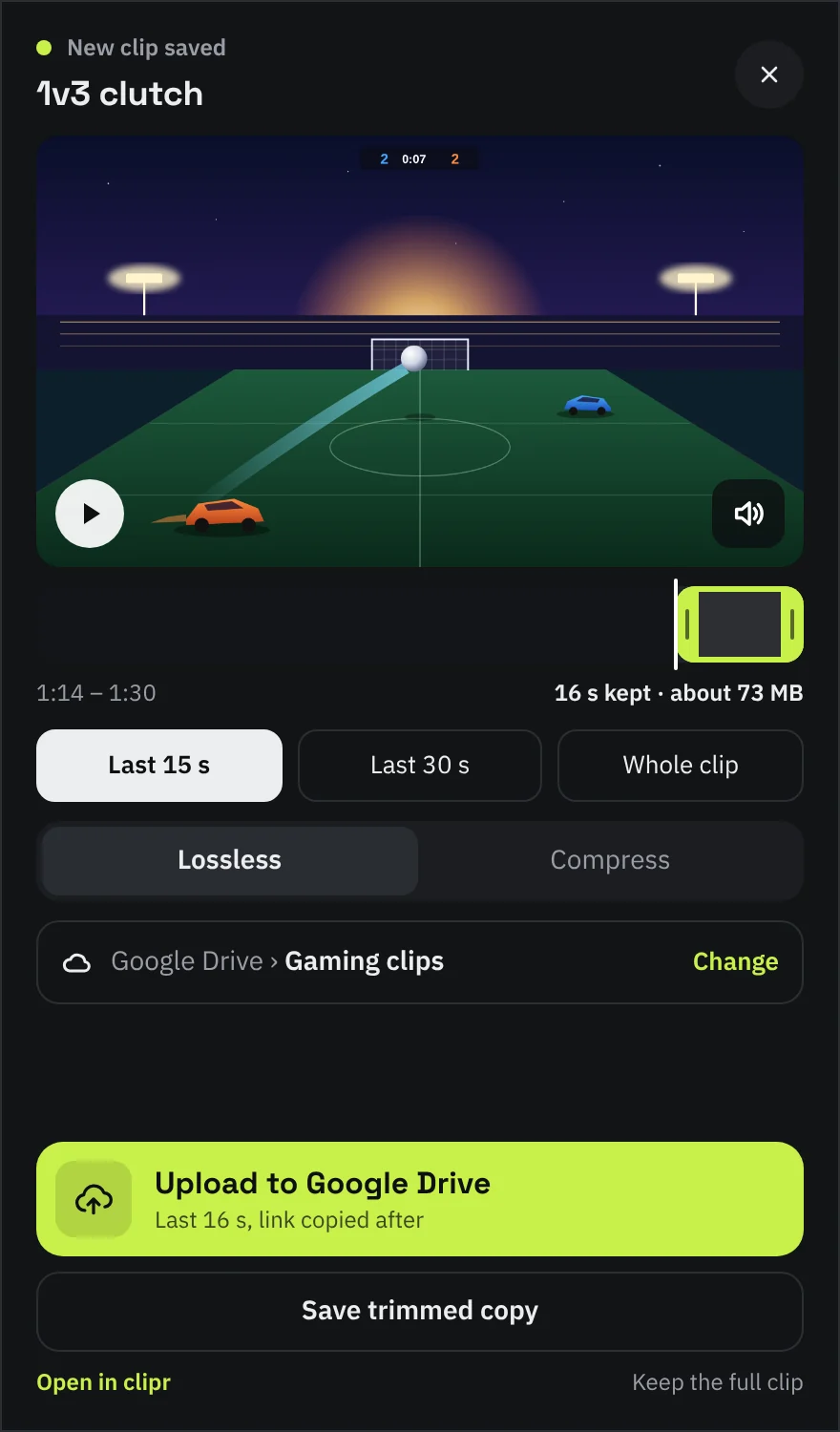
clipr watches your clips folder. The moment you save a clip it pops up in the corner, cuts the part you want without re-encoding and puts a Google Drive link in your clipboard.
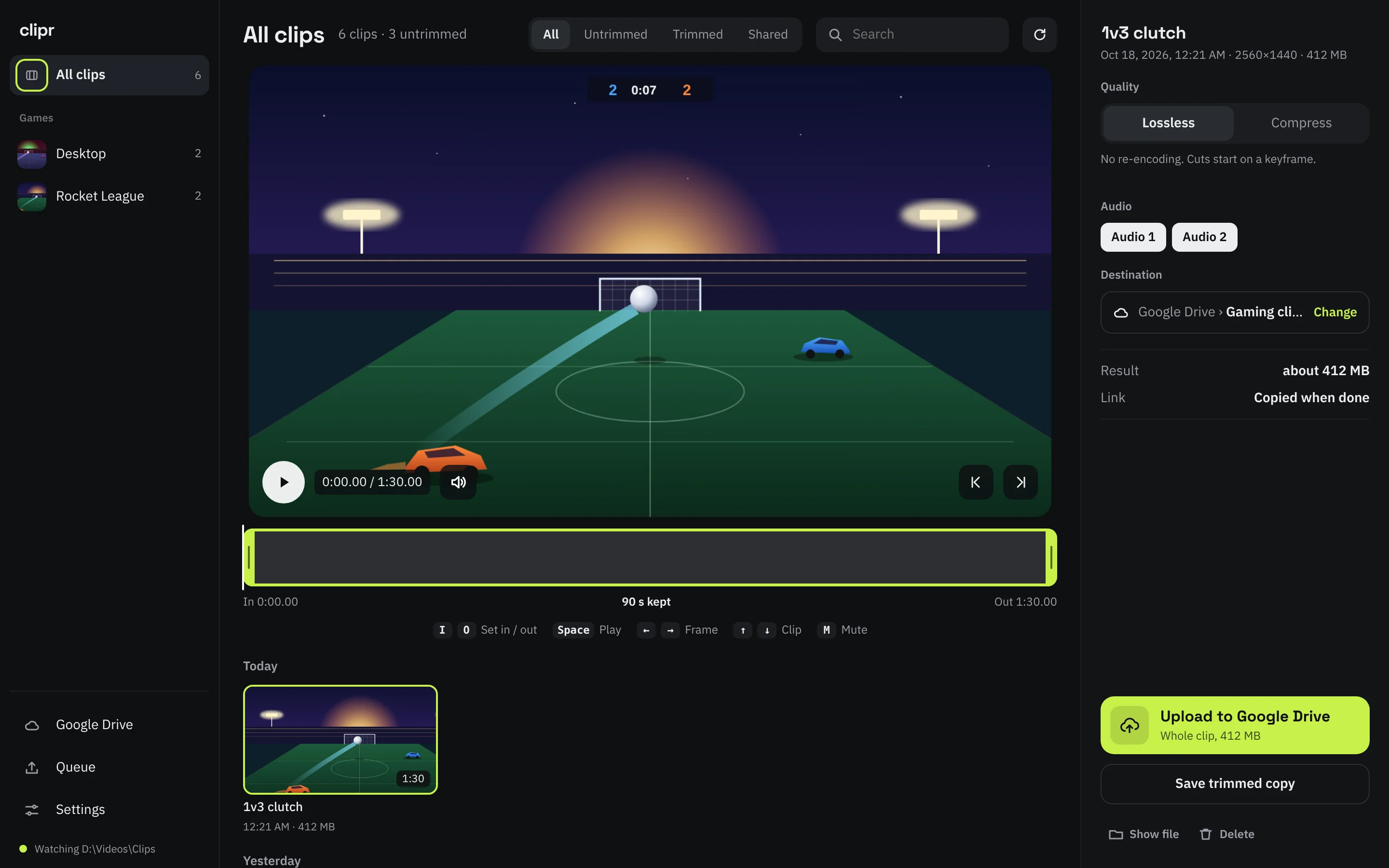
How it works
ShadowPlay, OBS or any recorder that writes to a folder. clipr notices the new file as soon as it is finished.
The last 15 seconds are already selected. Drag the handles or choose 30 seconds or the whole clip. The popup never takes focus from your game.
One click uploads it to your Drive and copies the share link. Or keep a trimmed copy on your PC, next to the original.
Features
Cuts are stream copies: no re-encoding and no quality loss, usually done in about a second.
Need it under 10, 25 or 50 MB? clipr re-encodes on your NVIDIA, AMD or Intel GPU when it can, and never goes over the target.
Uploads go to a folder you choose in your Drive, resume after a dropped connection and end with a share link.
Every game folder gets its own entry with a count of new clips. Cuts land in a Trimmed folder next to the original.
Keep the game sound and drop your microphone, or the other way round. Each track is a toggle.
No clipr account and no server. Your clips go from your PC to your Drive and nowhere else.
Free, with the source on GitHub. Download the installer, run it and pick the folder your recorder saves to.
Download for Windows